Day 5: Turn Customer Reviews into Ad Copy using AI (Zapier)
🧠 Project Name: AI-Powered Ad Copy Generator built in Zapier
💡 Why this project?
This project is a lightweight web API built with Python and Flask that takes customer reviews as input and uses an AI language model to automatically generate engaging advertising copy — including a title, description, and call to action (CTA). It’s designed to help marketers quickly transform raw customer feedback into polished promotional content.
Tech Stack:
- Backend Framework: Flask — for creating the API server.
- AI Model: Hugging Face Transformers (flan-t5-base) — for text generation without external paid APIs.
- Python Libraries: `transformers` and `torch` (PyTorch) for model efficiency.
Key Features:
- Accepts customer reviews in JSON format via HTTP POST.
- Uses a prompt-engineered detailed instruction to guide the AI for structured output.
- Returns JSON with distinct fields: title, description, call to action, and the original review.
- Easily extendable for additional fields or different models.
✅ Tools Used (in the Zapier Workflow):
- Apify (cloud platform for web scraping)
- Zapier (automation tool)
- Flask API (Python) (Custom backend)
- Ngrok (public endpoint for local machine)
- HuggingFace (AI pipelines)
- Zapier Storage (to hold reviews)
- Google Sheets (to save output)
Step-by-Step Tutorial 🗂️
🔹 Step 1: Scraping Reviews with Apify
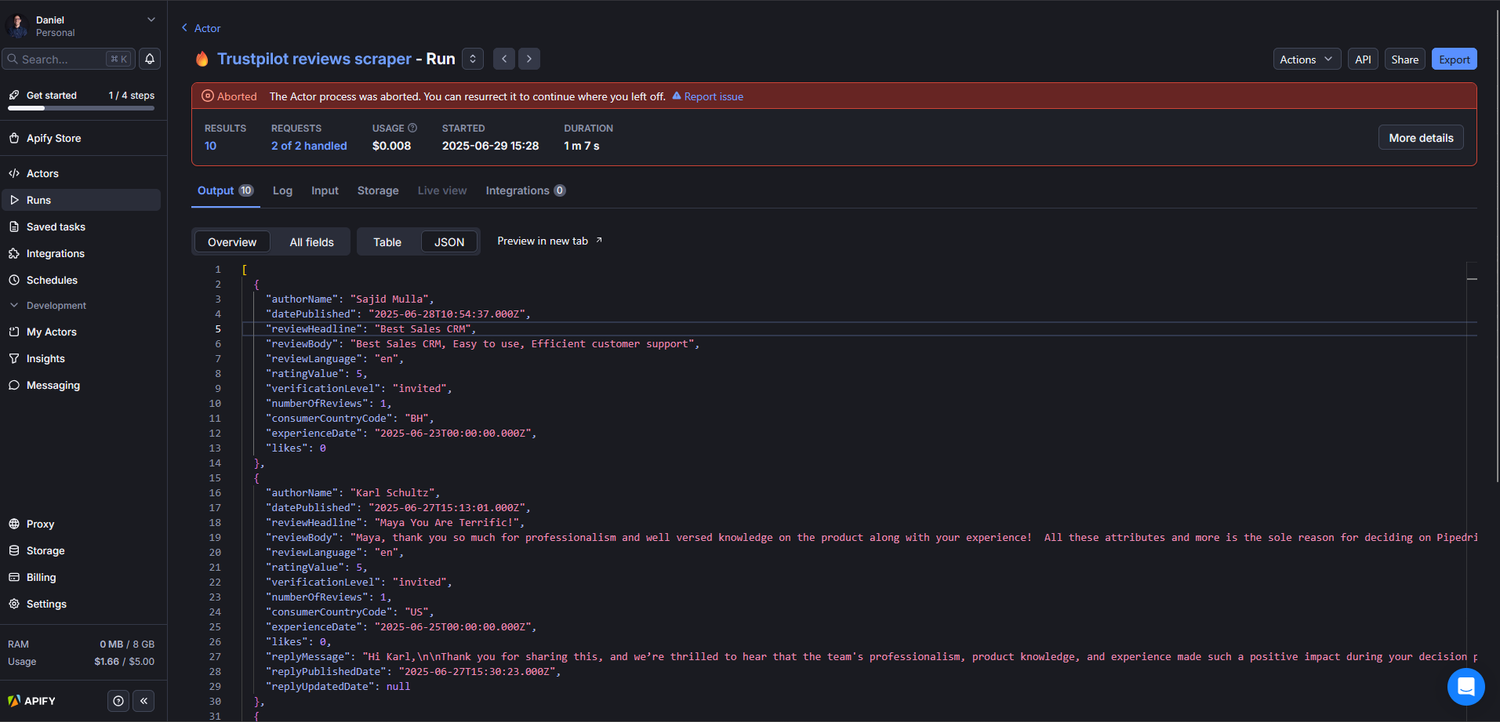
I used an Apify actor (`nikita-sviridenko/trustpilot-reviews-scraper`) to scrape customer reviews or testimonials from websites, online stores, or review platforms.
- Apify fetches reviews automatically and stores them in a dataset or pushes them via a webhook.
- Apify’s output is a structured JSON with review text and other metadata.
- Optionally, you can schedule the scraping actor to run regularly to keep your data fresh.
🔹 Step 2: Create a New Zap in Zapier
- Log in to your Zapier account. Click “Create Zap”.
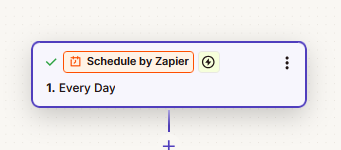
- Add a Schedule by Zapier step and have it run how often you want. For this, I set it to every day at 10 AM.
🔹 Step 3: Trigger Zapier Workflow to Process Stored Reviews
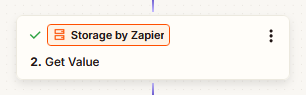
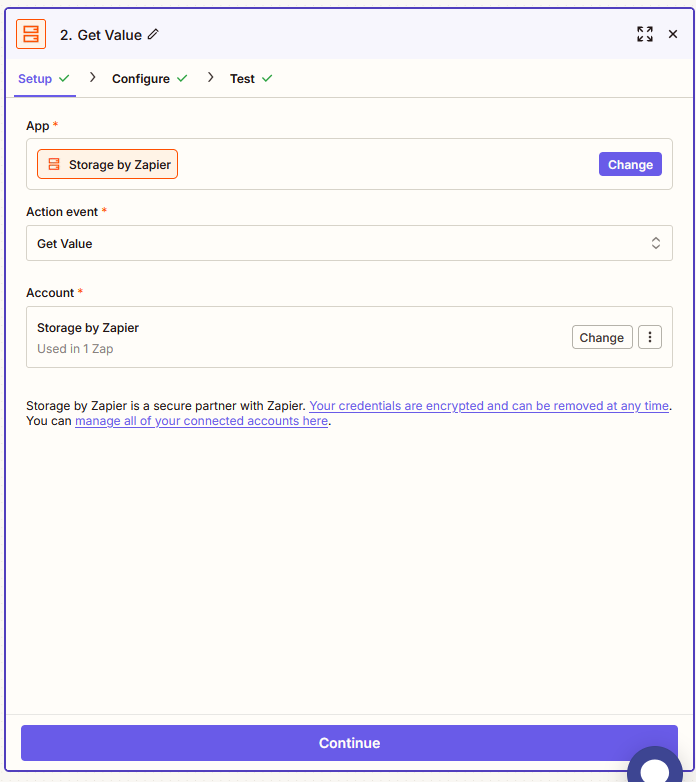
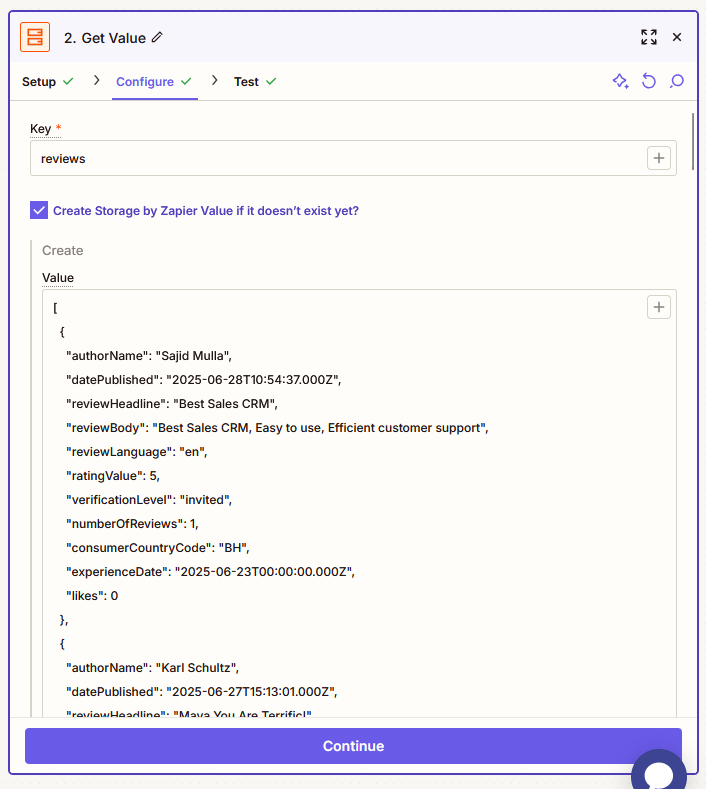
The first action is a Zapier Storage — Retrieve Value step that fetches the stored JSON review data from Zapier Storage.
*I parse this JSON to extract individual reviews for processing.*
🔹 Step 4: Parse and Prepare Each Review
Next, you add a Code by Zapier step (I used Python).
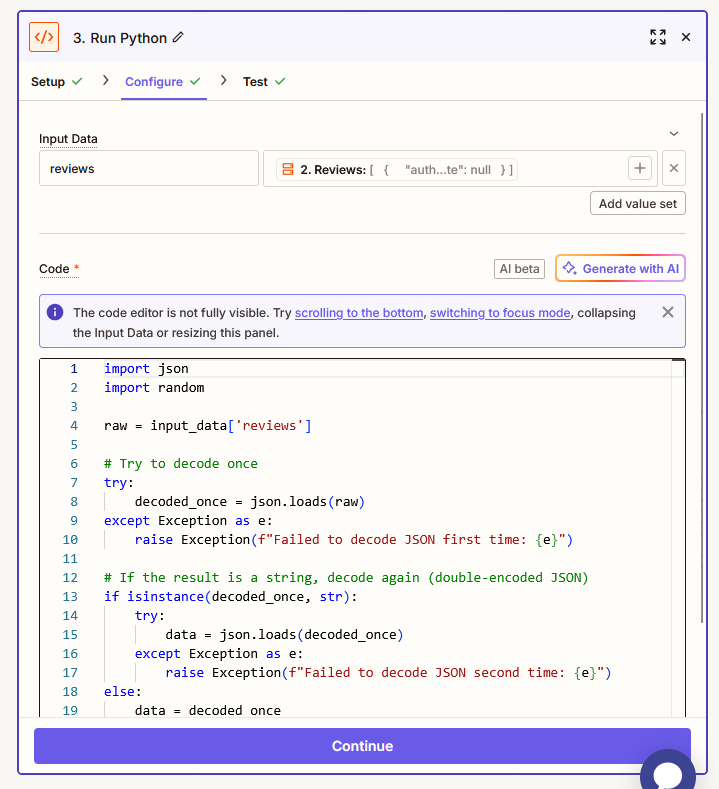
In this step, you: Parse the JSON string retrieved from Storage, Extract individual values, Format each review as needed for the API call, and Return a random review to loop over in the next steps.
Python Code Used:
import json
import random

raw = input_data['reviews']

# Try to decode once
try:
    decoded_once = json.loads(raw)
except Exception as e:
    raise Exception(f"Failed to decode JSON first time: {e}")

# If the result is a string, decode again (double-encoded JSON)
if isinstance(decoded_once, str):
    try:
        data = json.loads(decoded_once)
    except Exception as e:
        raise Exception(f"Failed to decode JSON second time: {e}")
else:
    data = decoded_once

review = random.choice(data)
output = {
    'text': review.get('reviewBody', ''),
    'author': review.get('authorName', ''),
    'date': review.get('datePublished', '')
}
🔹 Step 5: Webhooks by Zapier — Send Each Review to Flask API
Use Webhooks by Zapier (POST) to send each review to your custom Flask API endpoint (exposed via Ngrok).
- The webhook payload includes the review text in JSON format.
- Your Flask API runs the Hugging Face model and responds with generated ad copy (title, description, CTA).
- Zapier captures the JSON response from your API.
*You can see what the AI model sent back in the test step: Title, Description, and CTA for our Ad.*
🔹 Step 6: Google Sheets — Save Generated Ad Copy
Finally, the Zap inserts a new row into Google Sheets for each review processed.
- Each row contains: Original review text, Generated Title, Generated Description, Generated Call To Action (CTA).
- This creates an organized log of all reviews and their AI-generated ad copy, easy to review or share.
🎯 Final Output: Automated Ad Copy!
Did someone say automated Ad Copy based on your real customer reviews? Yes, please!