Day 3: Startup Intelligence Table with Clay
🧠 Project Name: How I Built a Startup Intelligence Table with Clay (Without Code)
🔧 What This Workflow Does:
This is a step-by-step guide for creating a live, enriched company database using Clay. I used it to pull company domains, founder names, LinkedIn URLs, and work emails — all in one place.
✅ Tools Used:
- Clay
- Notion (to receive drafts)
Step-by-Step Tutorial 🗂️
🔹 Step 1: Create a New Table in Clay
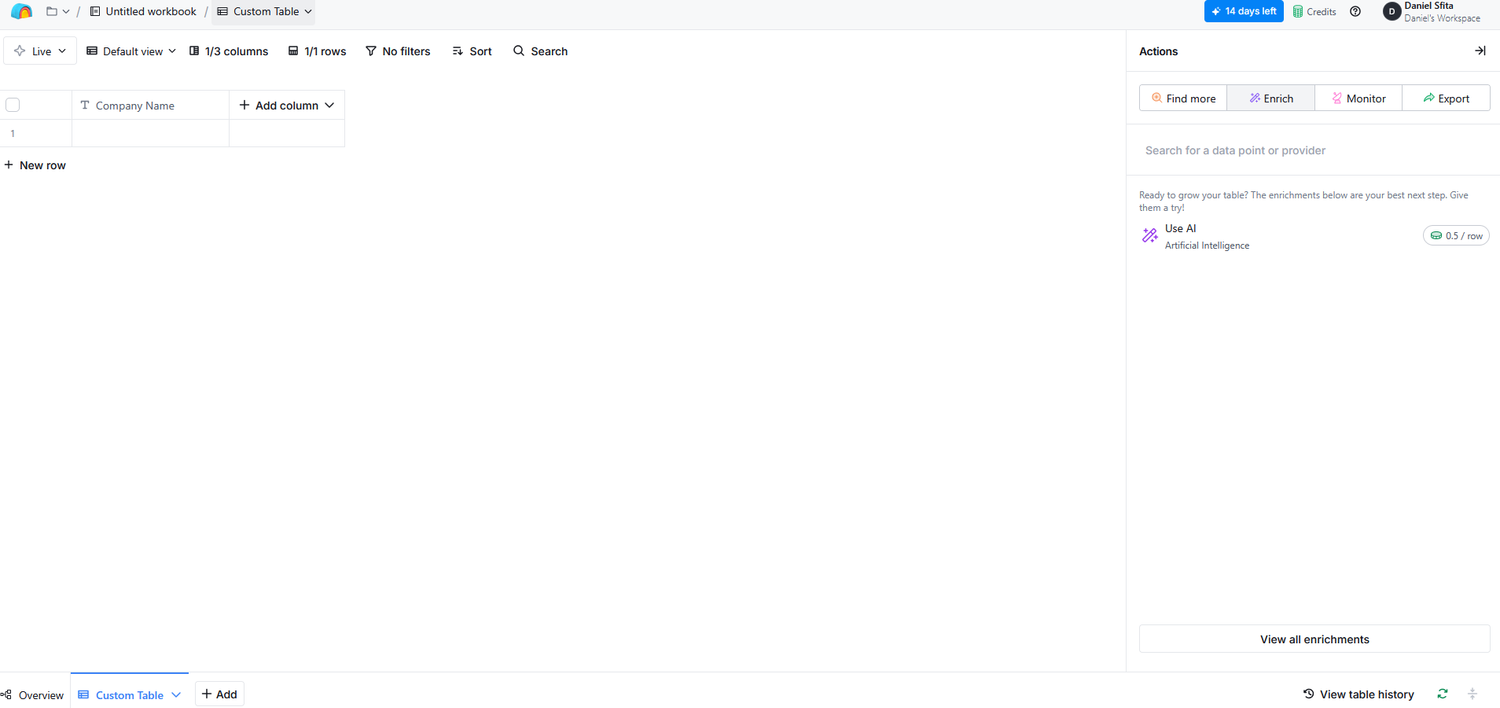
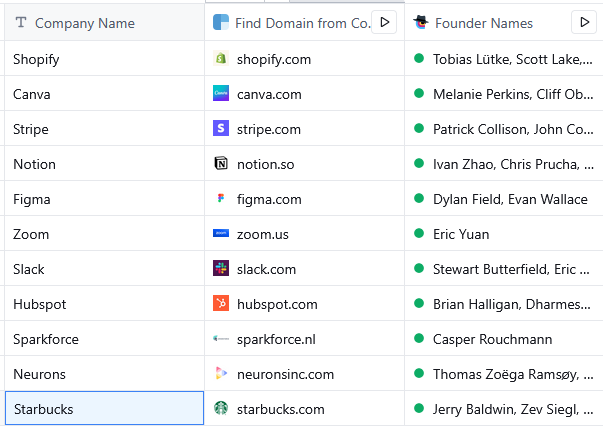
Go to clay.com and create a new table. In the first column, add a list of company names. (e.g. Shopify, Canva, Stripe, Notion…). You can paste these manually or import from CSV. Name the column Company Name.
⚡ Step 2: Enrich the Company Domain
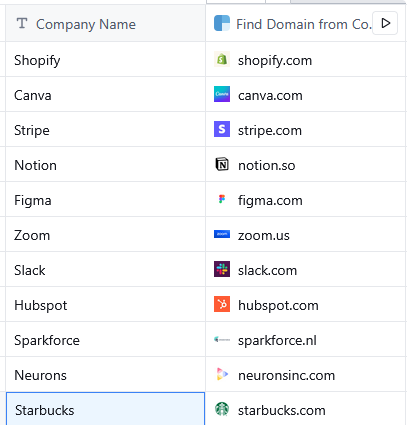
Clay can automatically find a company’s domain based on the name.
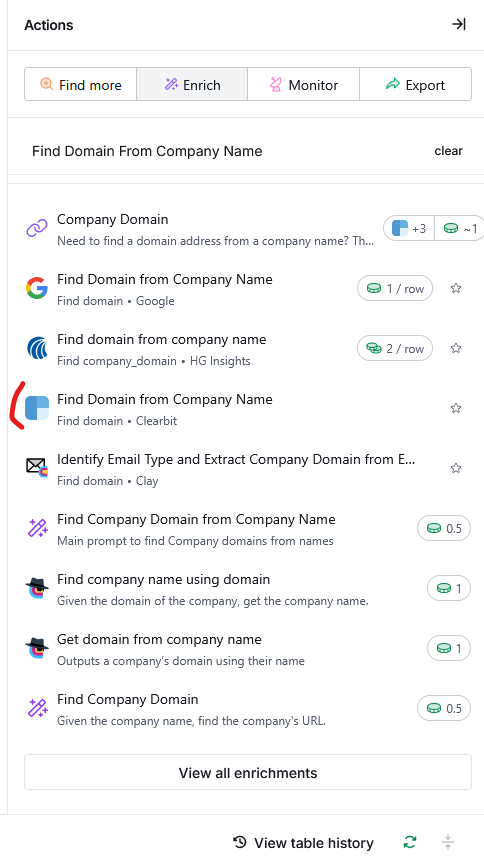
- Select “Add Column” -> “Add Enrichment”.
- Search for “Find Domain from Company Name”. You have multiple options you can choose for. I went with the one from Clearbit.
👤 Step 3: Get Founder Names
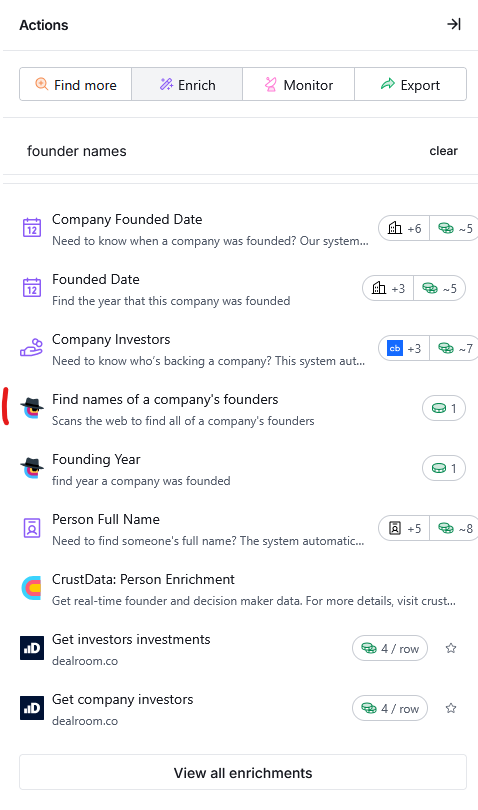
- Select “Add Column” -> “Add Enrichment”.
- Search for “Founder Names” and select the one you wish. I went with “Find names of a company’s founder”.
- Clay will fetch public founder info like:
- Tobias Lütke, Scott Lake (for Shopify)
- Patrick Collison, John Collison (for Stripe)
🔗 Step 4: Find LinkedIn URLs
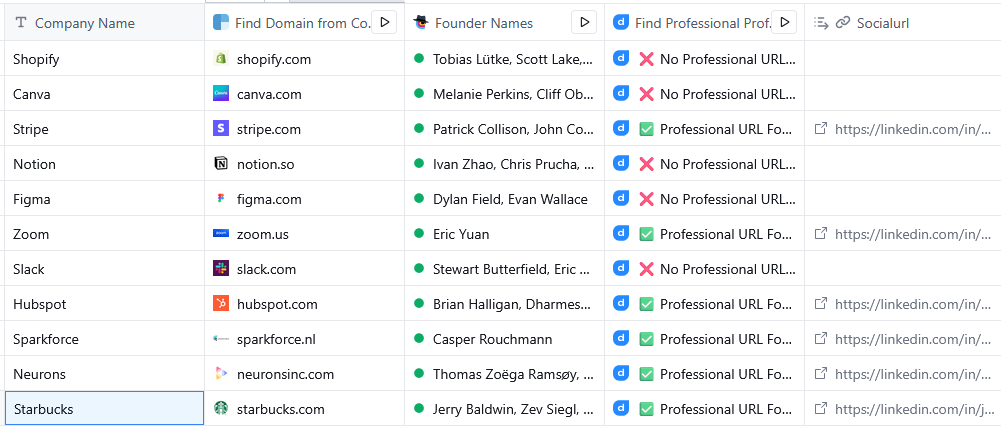
- Add a new column → “Find professional profile”. I went with the one from Datagma.
- Use the founder names and domain as inputs.
- Result: direct links to their LinkedIn profiles.
📧 Step 5: Find Work Emails (when available)
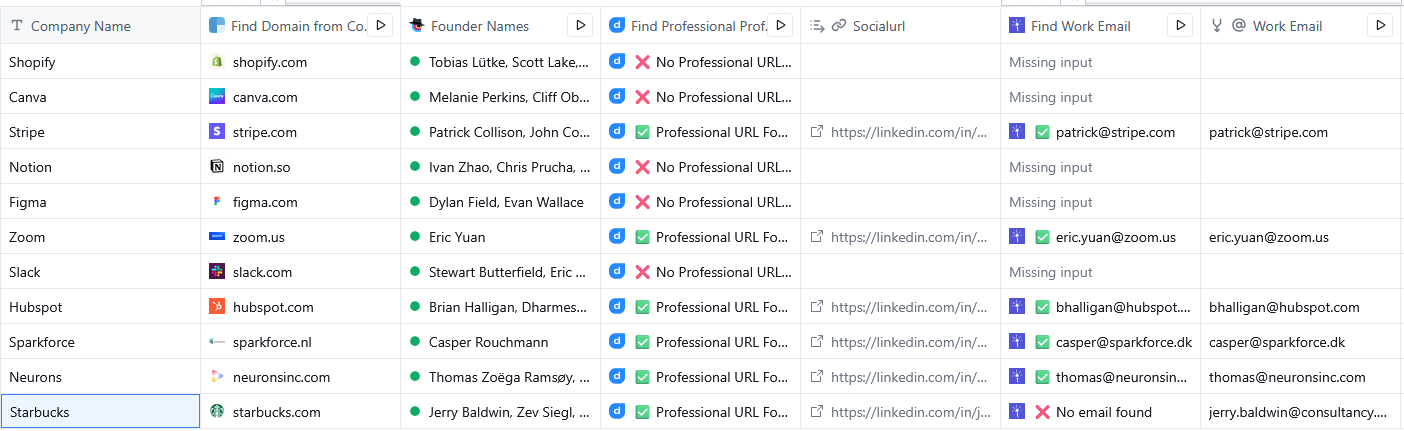
- Add a new column → “Find work email”. I went with the one from LeadMagic.
- Clay will match likely email formats using domain + name patterns.
- e.g. patrick@stripe.com, eric.yuan@zoom.us
- In some cases, it might not return an email if not publicly accessible.
✅ Optional (but Powerful) Steps
📣 Get Recent News / Fundraising
Add: News & Fundraising column.
This pulls latest press mentions and funding round info — especially useful if you're doing B2B outreach or writing content.
🧠 GPT-Powered Outreach Intros
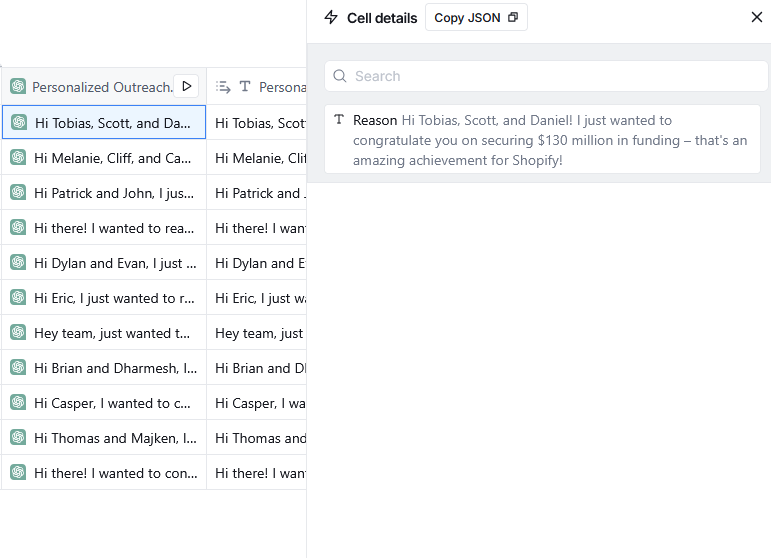
Add a column: AI → “Write a message”.
Use a prompt like:
Write a short friendly outreach reason for {{First Name}} at {{Company Name}} based on recent product updates or funding.
Clay will generate custom messages based on live company info.
🔄 Export to Notion
- In the top-right, click “Export” -> Notion.
- Choose your Notion workspace and database.
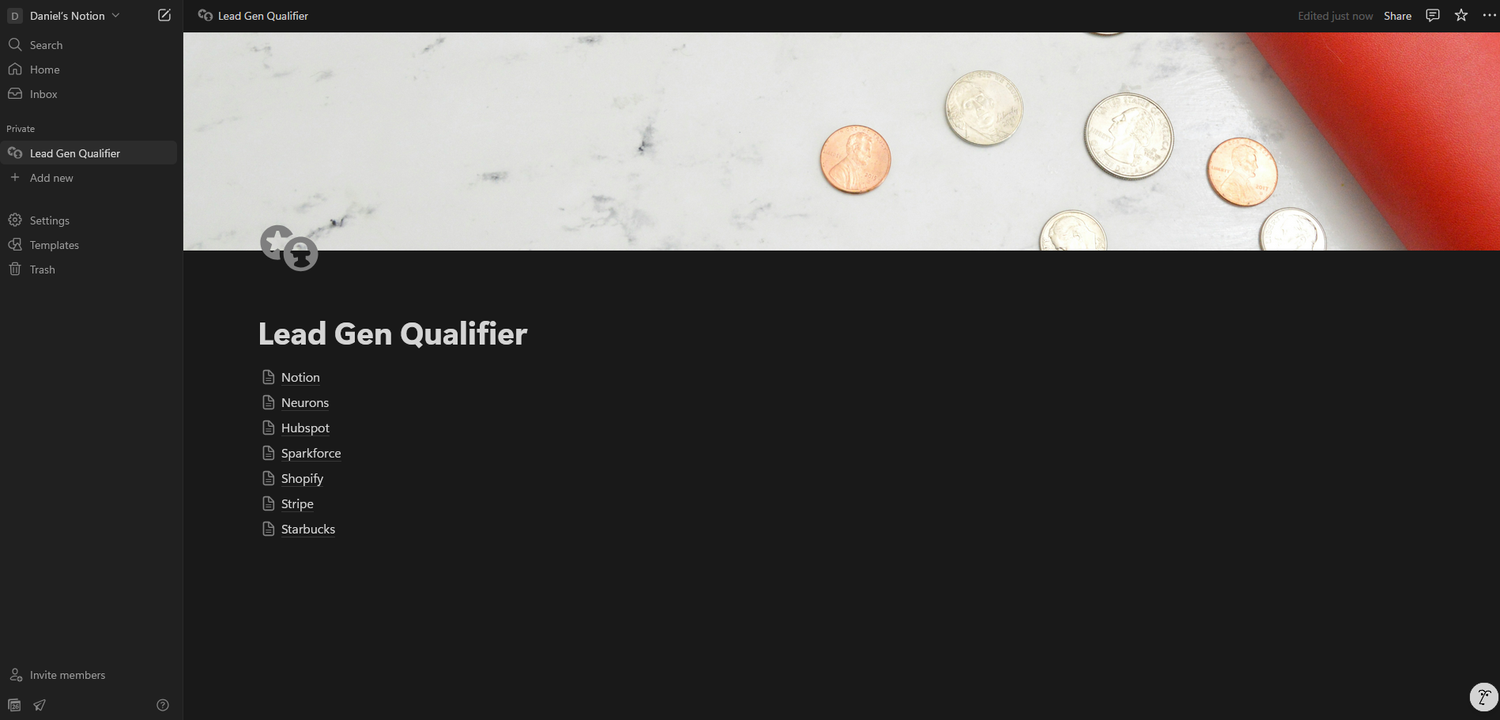
- Your whole table (including AI outputs) now syncs to Notion for tracking or collaboration. You can view mine here: Notion Template Link
💡 Why I Built It
I wanted a lightweight but smart system to track high-potential companies in my niche — and know who to talk to and what to say.
With Clay, I get real-time company info + AI-generated outreach ideas in one place.
Great for:
- Warm email intros
- Strategic partnerships
- Content research
- Or just staying ahead of the market.
For reference, here is my template in Clay: Clay Template Link