Day 11: Ad Campaign Performance Optimization with AI
🧠 Project Name: Advertising Campaign Performance Optimization with AI
🔧 What This Workflow Does:
This automated Make.com flow streamlines the process of analyzing LinkedIn ad performance. By simply uploading a CSV file to Dropbox, the sequence extracts key ad metrics, feeds them to the Google Gemini AI for analysis, and then delivers the optimization insights to Clay for reporting or further automated action.
✅ Tools Used:
- Dropbox: For file storage and triggering the workflow.
- Make.com: The automation platform connecting all tools.
- Google Gemini API: For AI-powered ad optimization suggestions and predictions.
- Clay: For further data processing or CRM integration.
Flow Overview ⚙️
The process runs through the stages of file detection, data parsing, aggregation, AI analysis, and final reporting/storage.
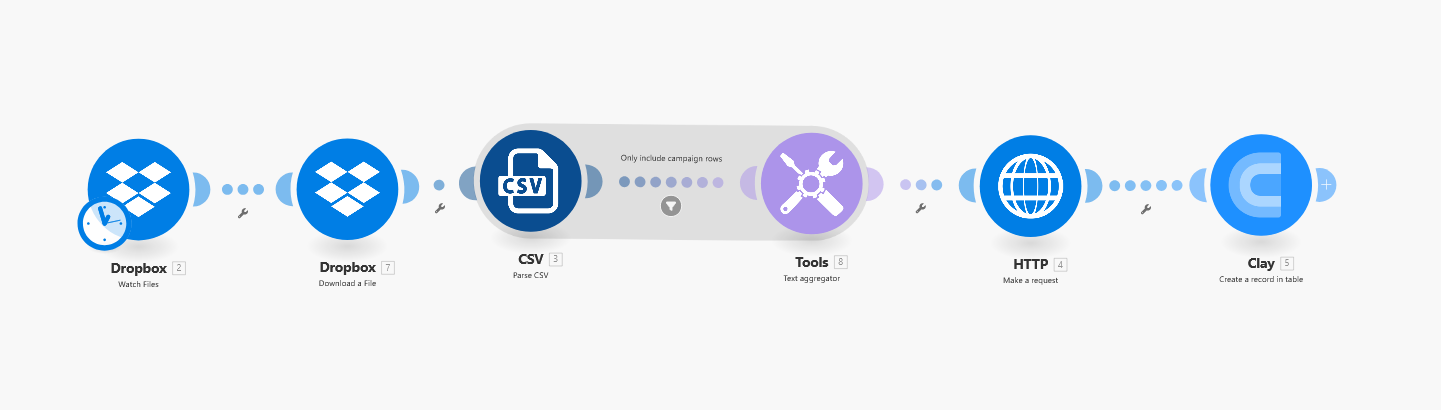
🔹 Step 1: Dropbox - Watch for a New Ad Performance File
The flow begins by constantly monitoring a specified folder in Dropbox. As soon as a new CSV file containing LinkedIn ad performance data is uploaded, it triggers the entire automation sequence.
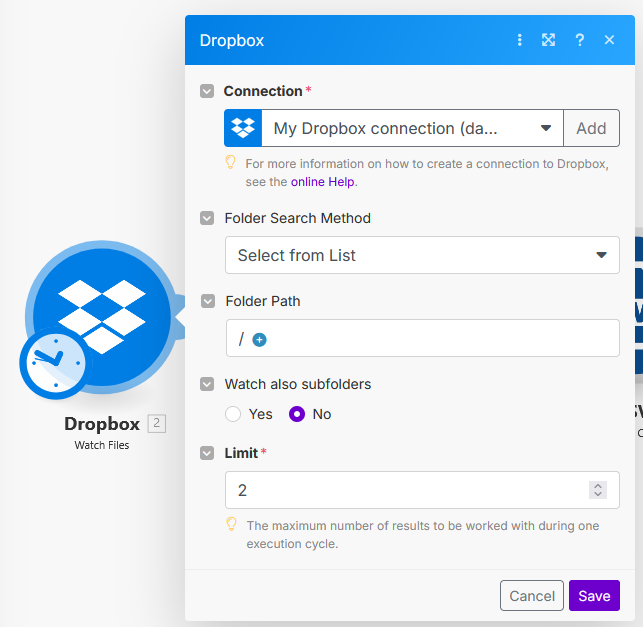
🔹 Step 2: Dropbox - Download the Ad Performance File
Once a new file is detected, Make.com securely downloads the CSV file from Dropbox, preparing it for data extraction.
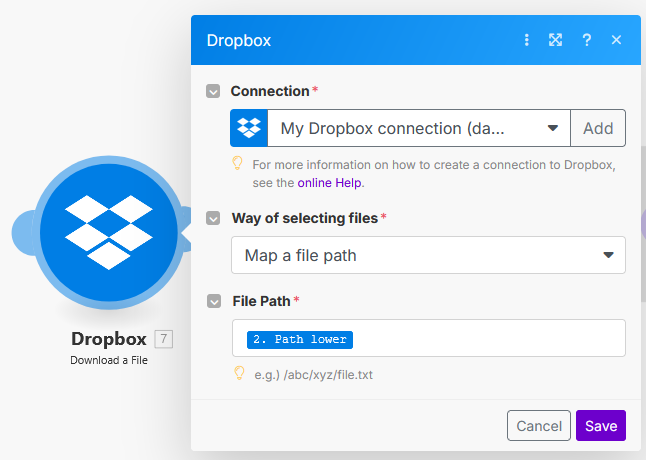
🔹 Step 3: CSV - Parse CSV Data
The downloaded CSV file is then processed by Make.com's CSV parser. This step reads the structured data, converting rows and columns into an accessible format for subsequent operations.
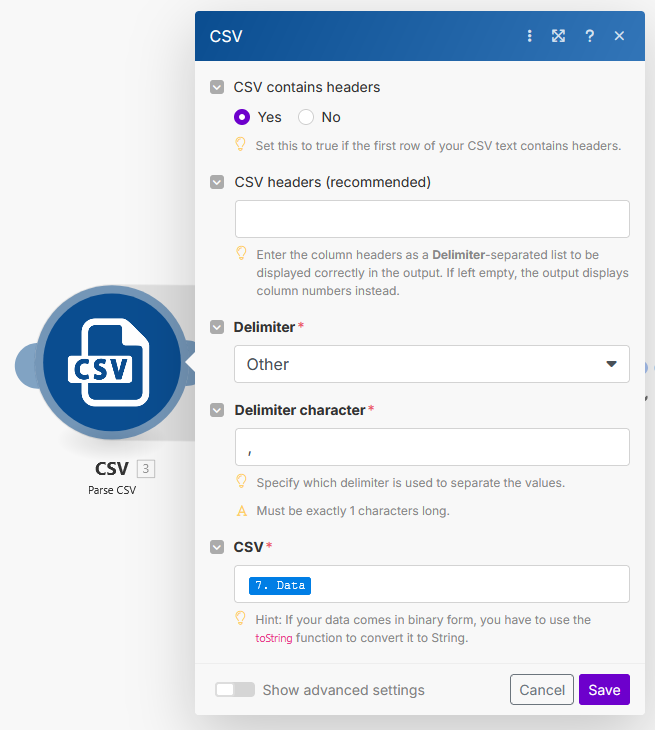
🔹 Step 4: Tools - Text Aggregator
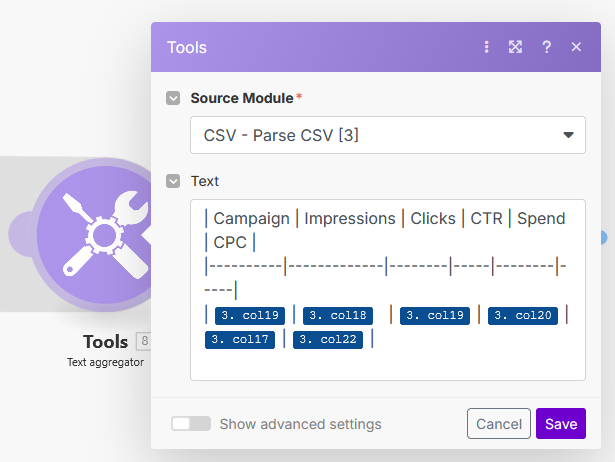
The parsed CSV data, which contains individual ad performance records (like impressions, clicks, CTR, spend, and CPC for each campaign), is then consolidated by the Text Aggregator.
This combines the relevant data points into a single, cohesive text string, specifically formatted to be understood by the Google Gemini API. This is where your prompt text is created, dynamically inserting the ad performance data.
🔹 Step 5: Add a filter (Skip Empty Cells)
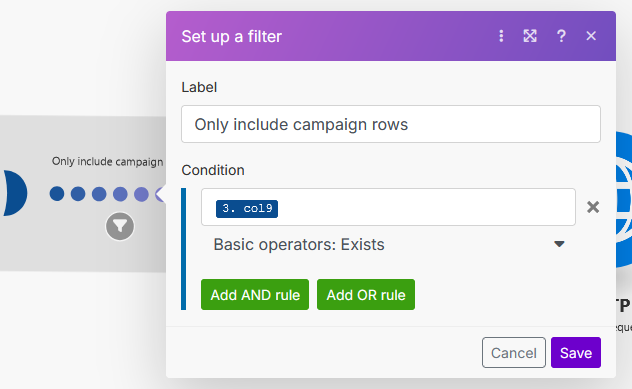
You need to add a filter between step 3 (CSV Parse) and step 4 (Text Aggregator), in order to skip all the empty cells which are imported from the CSV.
🔹 Step 6: HTTP - Make a Request to Google Gemini API
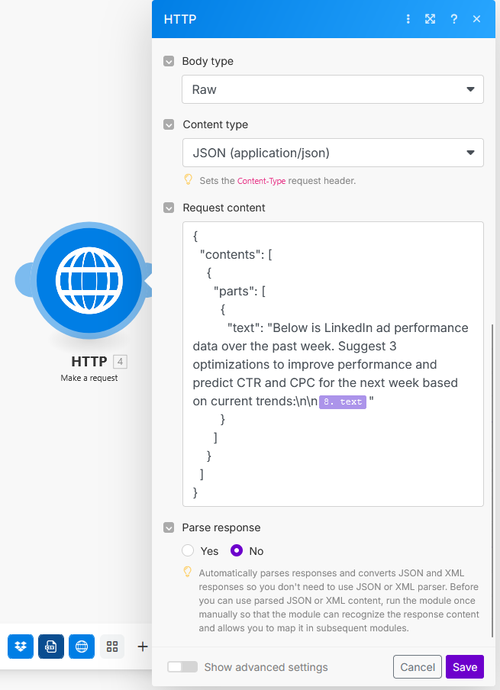
This is the core AI step. The aggregated ad performance data is sent as a prompt to the Google Gemini API via an HTTP POST request.
The prompt asks Gemini to analyze the provided data, suggest three specific optimizations to improve performance, and predict the CTR (Click-Through Rate) and CPC (Cost Per Click) for the upcoming week based on current trends.
🔹 Step 7 (Optional): Send to Clay
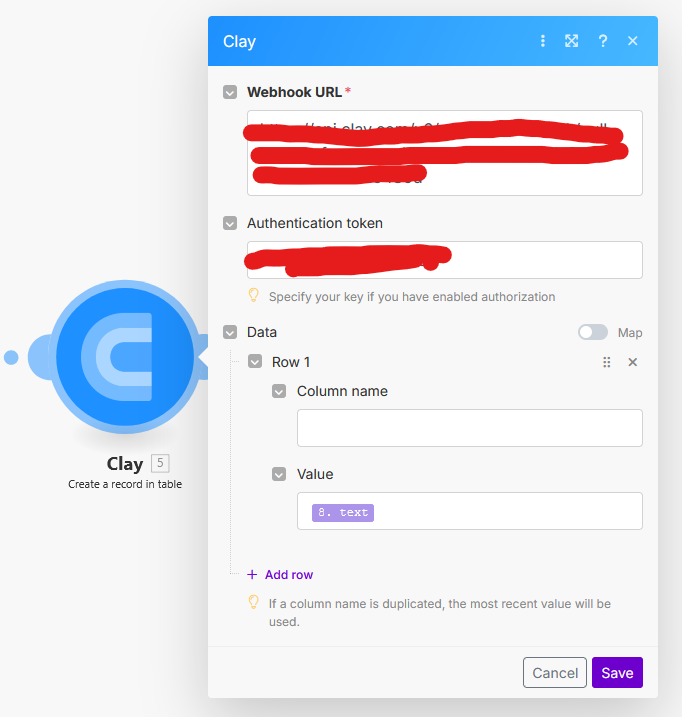
Finally, the intelligent insights, optimization suggestions, and predictions generated by the Google Gemini AI are sent to Clay.
This could be used to update a CRM, trigger notifications, populate a dashboard, or initiate further automated marketing actions based on the AI's recommendations.

🎯 Final Output:
A continuous optimization loop for advertising campaigns that turns raw performance metrics into actionable, AI-driven strategy recommendations, delivered where your team works (e.g., Clay dashboard).